Why Mobile-Optimized Email Signatures Increase Clicks

In the high-stakes world of enterprise communication, the desktop is no longer the primary battlefield. For big-branded companies, a significant portion of B2B and B2C interactions happens in the palm of a hand. Statistics from 2025 indicate that 54% to 85% of users now check their emails on smartphones or tablets, depending on their demographic. Yet, many corporations still treat their email signatures as a static desktop asset.
When a signature isn’t optimized for mobile, it doesn't just look "a bit off"—it fails. It leads to broken layouts, microscopic links that are impossible to tap, and a frustrating user experience that reflects poorly on a premium brand. Conversely, a mobile-optimized signature is a conversion engine. By catering to the "fat-finger" reality of mobile browsing and the vertical constraints of small screens, brands can see a dramatic uptick in click-through rates (CTR).
The Mobile-First Reality for Global Brands
Large organizations send millions of emails annually. Each of these is a brand touchpoint. If your signature's call-to-action (CTA) button is too small or buried in a cluttered horizontal layout, you are effectively throwing away thousands of potential leads. In a mobile-first world, the evolution of professional communication has moved beyond the digital business card into a strategic marketing asset.
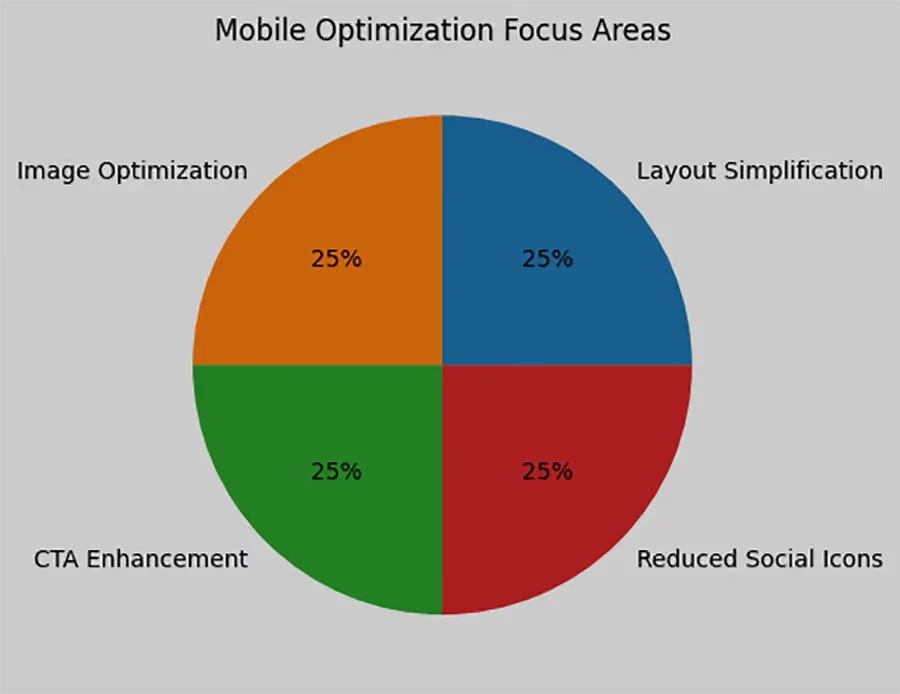
A mobile-responsive signature adjusts its proportions dynamically. Instead of a wide banner that forces the user to scroll horizontally, a mobile-optimized design stacks elements vertically. This ensures that the logo, contact details, and marketing banners remain legible and, most importantly, clickable.
1. The Science of the "Tappable" Interface
The most common reason for low mobile clicks is "tinker-bell" syndrome—links that are so small they require fairy-like precision to hit. For a big brand, this is a friction point that discourages engagement.
Pro Tip: The 44-Pixel Rule
Apple’s Human Interface Guidelines suggest a minimum target size of 44x44 pixels for any clickable element. In an email signature, this means your social media icons and CTA buttons should have enough "white space" around them to prevent accidental clicks on the wrong link. By optimizing your signature for mobile, you ensure that your LinkedIn icon or "Book a Demo" button is inviting rather than frustrating.
2. Reducing "Visual Noise" to Highlight Value
On a desktop, you might have the luxury of a wide layout with a disclaimer, three social links, a headshot, and a promotional banner. On a mobile device, this becomes a wall of text. Mobile users are notoriously "skimmers." They want to find the information they need in seconds.
Big brands succeed when they master signature branding by stripping away the non-essential. A mobile-optimized signature uses a clear hierarchy. Your name and title should be the most prominent, followed by a singular, high-value CTA.
3. Boosting CTR through Analytics and UTMs
You cannot improve what you do not measure. For large companies, the ability to track signature performance is what separates a "pretty" signature from a "profitable" one. Mobile users behave differently than desktop users; they are more likely to click on a "Call" button or a "Map" link than a long-form whitepaper.
By using UTM parameters on your mobile-optimized links, your marketing team can see exactly which devices are driving the most traffic. If 70% of your clicks are coming from iPhones, but your signature looks broken on iOS, you have identified a massive revenue leak.
4. Trust and Brand Consistency
For a big-branded company, consistency is the bedrock of trust. If an executive’s signature looks professional on Outlook for Windows but appears as a jumble of red "X" boxes and oversized logos on an iPhone, the brand's perceived authority takes a hit.
A mobile-optimized signature ensures that every employee, from the CEO to the sales associate, presents a unified professional image. This consistency is not just about aesthetics; it’s about signaling to the recipient that your organization is modern, detail-oriented, and technologically proficient.
5. Managing Compliance on the Go
Large corporations often have strict legal requirements regarding disclaimers. On mobile, a massive legal block can overwhelm the actual message. Optimization involves using "collapsible" or neatly formatted text that satisfies legal teams without ruining the user experience. Understanding how signatures boost marketing involves balancing these legal necessities with sleek, mobile-friendly design.
The Impact of Load Times on Mobile Engagement

Mobile users often deal with fluctuating signal strengths. If your email signature includes a 2MB high-resolution logo, it might take several seconds to load. Research shows that 75% of users will delete an email if it doesn’t render correctly or quickly on their device.
Big brands should use web-optimized images and professional signature elements that are lightweight. This ensures the signature appears instantly, allowing the recipient to engage with your links before they move on to the next email in their crowded inbox.
Why Centralized Management is Non-Negotiable
For a company with 1,000+ employees, asking everyone to "update their signature for mobile" is a recipe for disaster. Manual updates lead to fragmented branding. Centralized management allows the marketing or IT department to push out responsive updates instantly. Whether you are aligning with new campaigns or updating a corporate logo, the change happens across all devices—desktop, tablet, and smartphone—simultaneously.
Future-Proofing with Interactive Elements
As we move further into 2026, the "static" signature is being replaced by dynamic content. Imagine a signature that changes based on the recipient's time zone or one that displays the latest company news via an RSS feed. These advanced signature strategies are highly effective on mobile, where interactive content naturally draws the eye in a sea of plain text.
Conclusion: Transforming Every "Sent" into a "Click"
Mobile optimization is no longer a "nice-to-have" for large-scale enterprises; it is a fundamental requirement of modern digital etiquette and marketing strategy. By focusing on vertical layouts, thumb-friendly buttons, and lightning-fast load times, big-branded companies can turn their everyday correspondence into a high-performing traffic driver. When your signature works flawlessly on every device, you remove the barriers between your brand and your audience.
To achieve this level of precision and consistency across thousands of users, global leaders turn to Crossware. Our platform empowers big brands to create, manage, and deploy fully mobile-optimized email signatures from a centralized hub. With Crossware, you ensure that every email sent—whether from a boardroom desktop or a smartphone in transit—is a perfect reflection of your brand identity, designed to maximize engagement and drive measurable results.