

Try now

Email SignatureSolution for Sales Teams

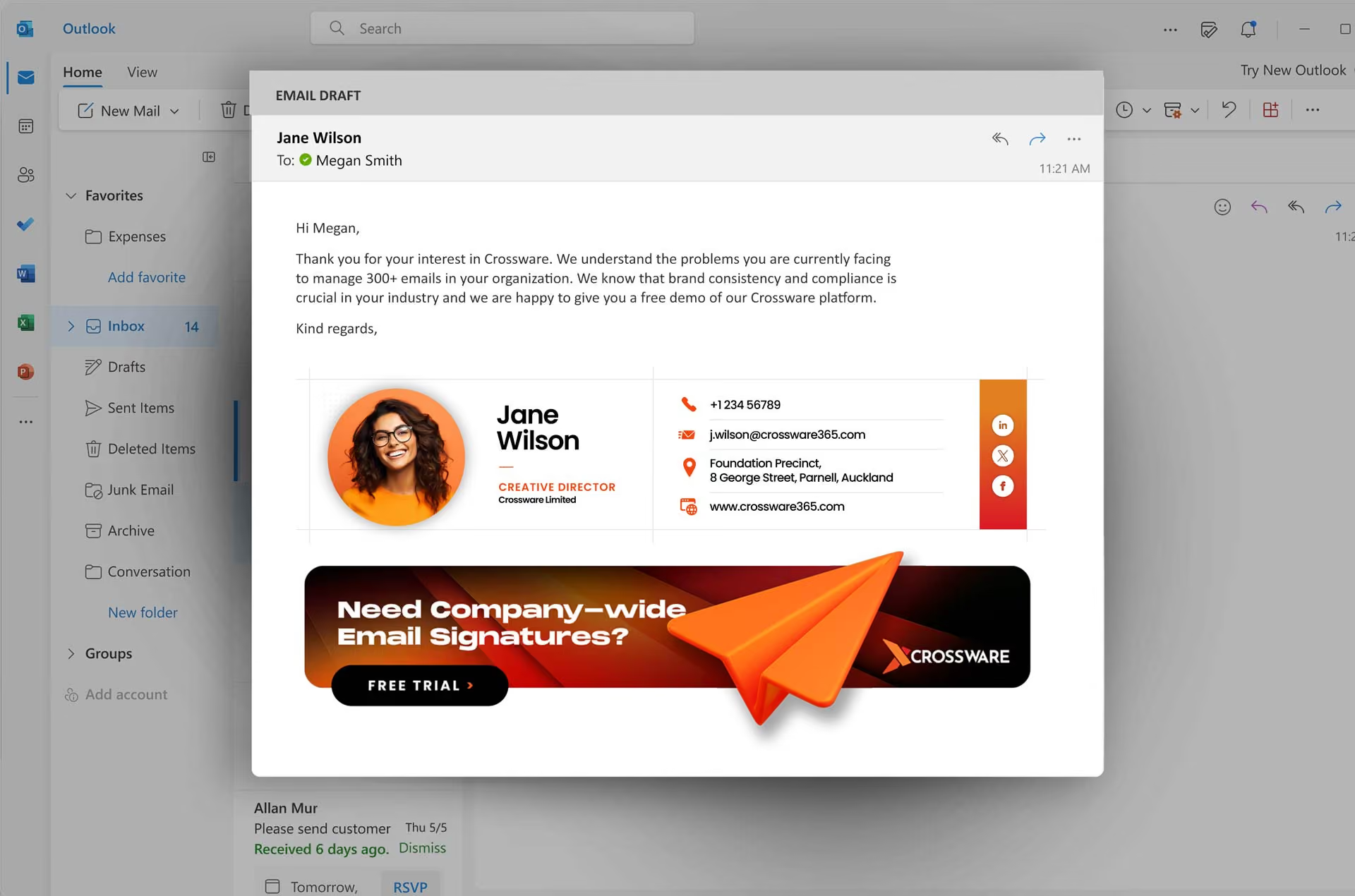
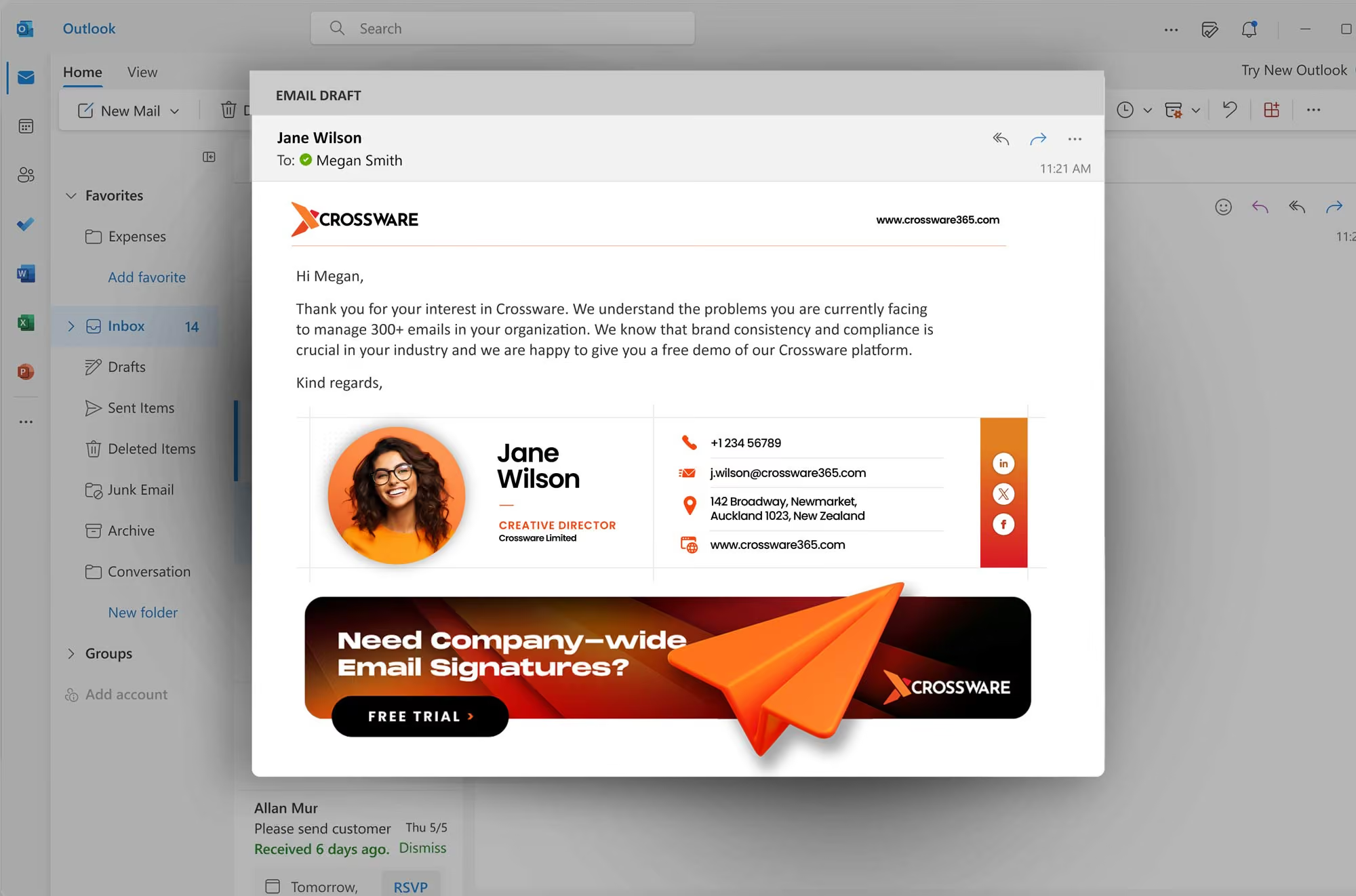
Crossware signature solution give sales teams the tools they need to close more deals. Boost conversions with the right message at the right moment using this untapped sales channel.
Crossware email signature

Advanced Capabilities

Mockup

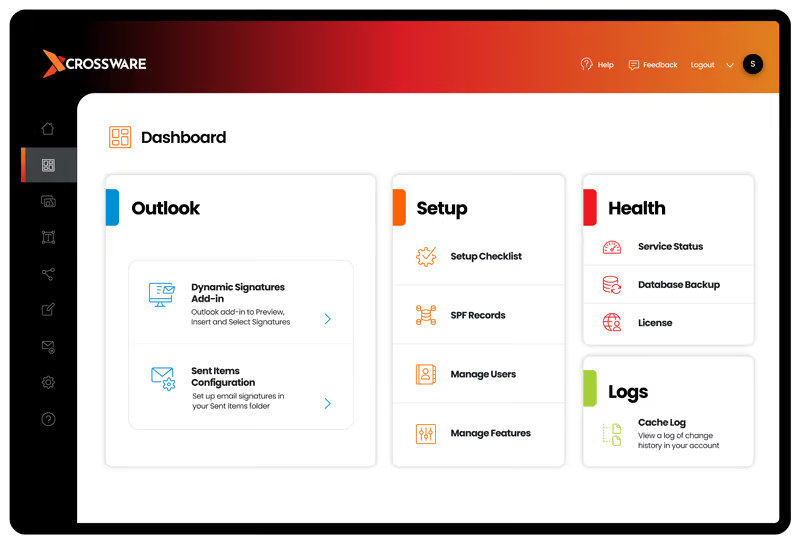
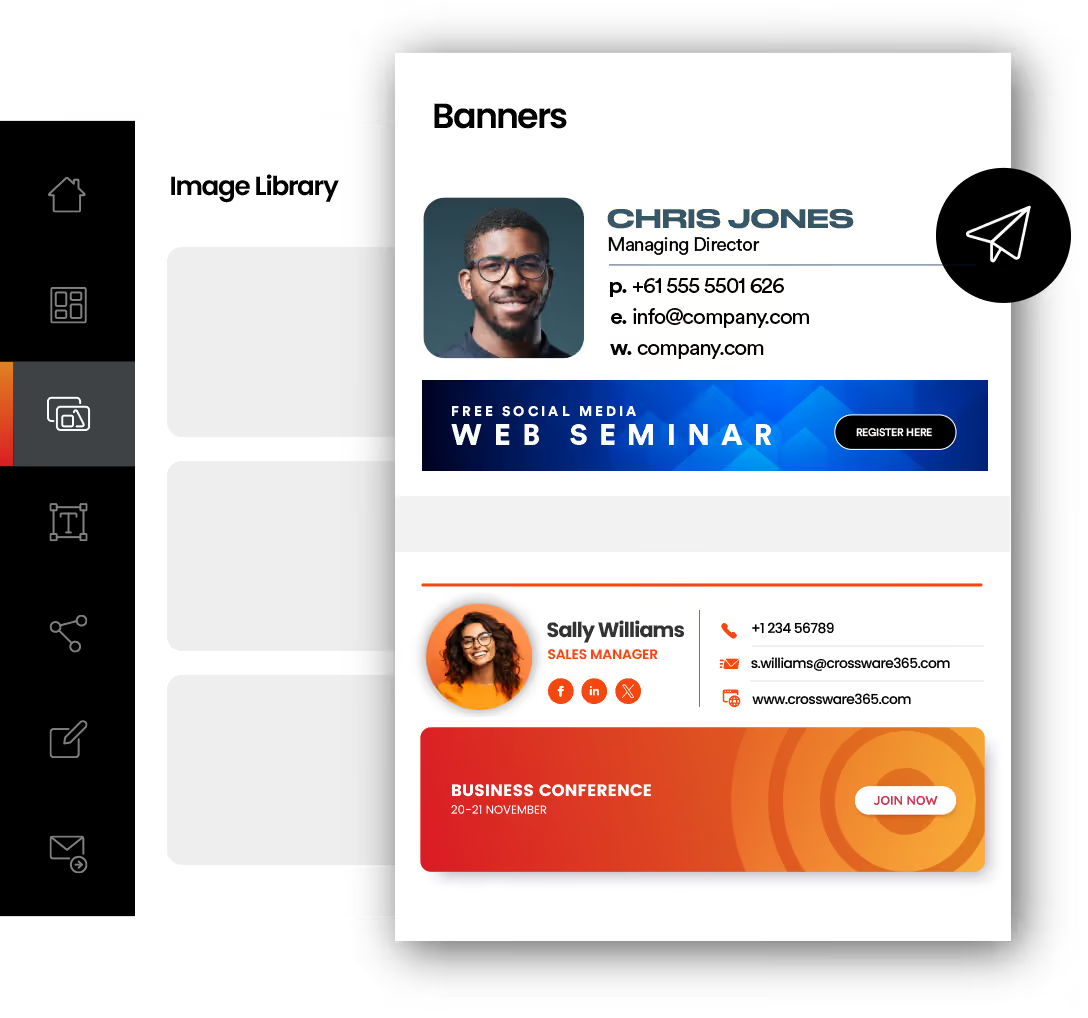
Create and manage email banners from a single dashboard

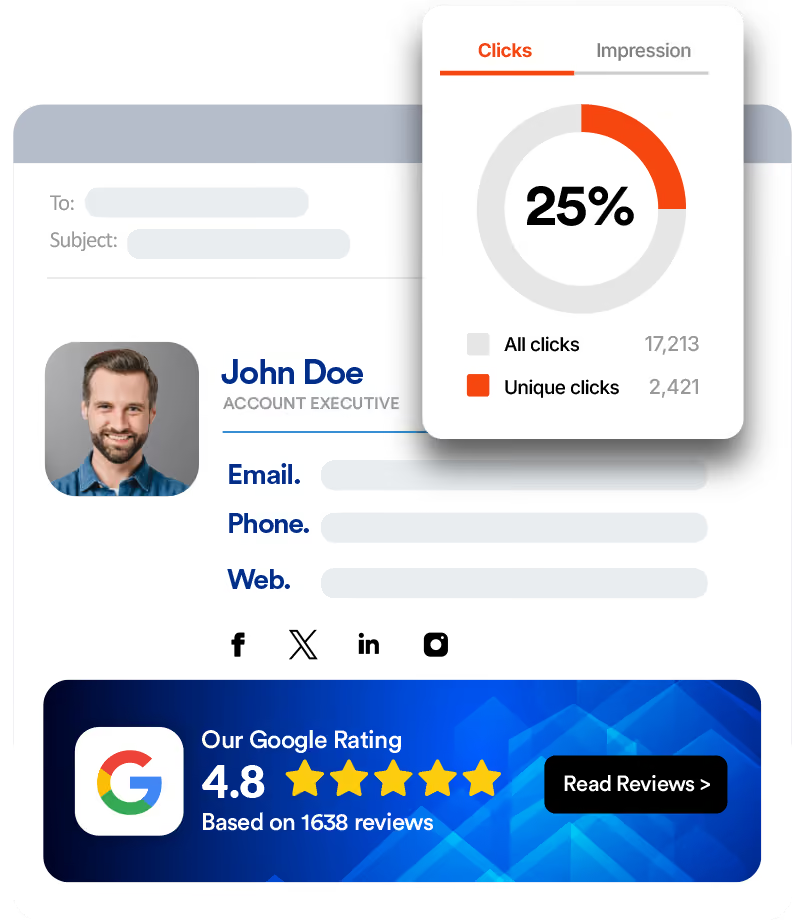
Launch email signature marketing campaigns using our banner manager. Upload your own designs or choose from our gallery. Assign banners to different segments to send targeted campaigns.
Mockup

Untapped marketing opportunity with every email you send

Take advantage of this untapped marketing channel by turning every email into a marketing opportunity. Put your signature to work with highly targeted email campaigns.

How Do Email Signatures Support FasterDeal Cycles?

Email signatures support faster deal cycles by reinforcing credibility and providing immediate access to key contact details, resources, and calls to action within every email.

This reduces friction in communication and helps prospects move forward without needing additional follow-ups or clarification.
For sales teams, this creates a smoother buying journey:
  • Reduces back-and-forth communication delays
  • Keeps key links and resources visible in every email
  • Reinforces trust at every touchpoint
  • Helps prospects take action without leaving the inbox
Header image

Maintaining Accuracyin Every Sales Email

Header image

Sales teams can maintain accuracy in every email by automatically pulling up-to-date contact details and role information from a central directory.

This ensures that every message reflects correct information, reducing errors and maintaining a professional image across all client interactions.
This approach helps teams:
  • Avoid outdated phone numbers or job titles
  • Ensure consistent contact information across users
  • Maintain professionalism in every interaction
  • Reduce manual updates and human error

Powerful Features

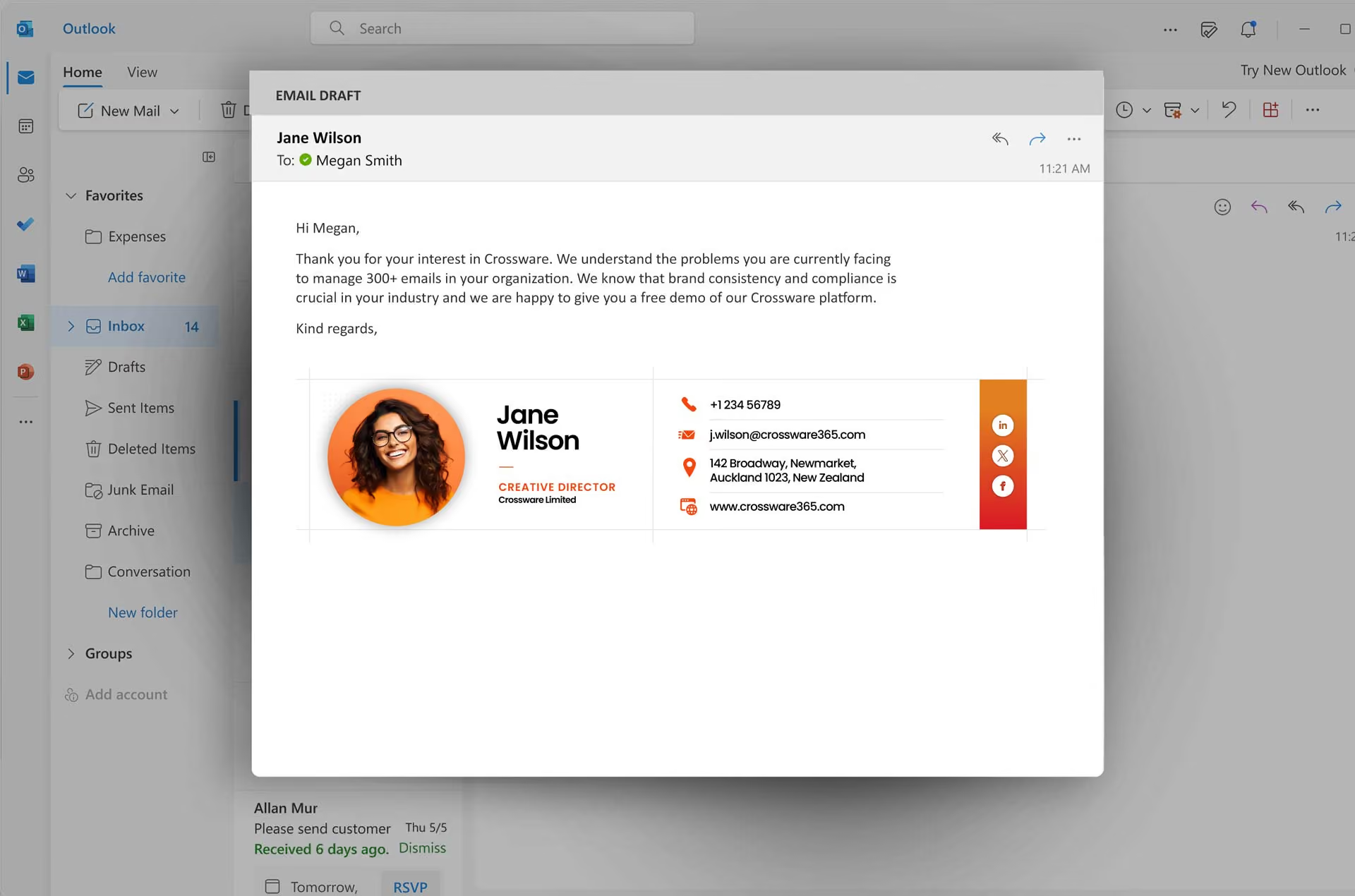
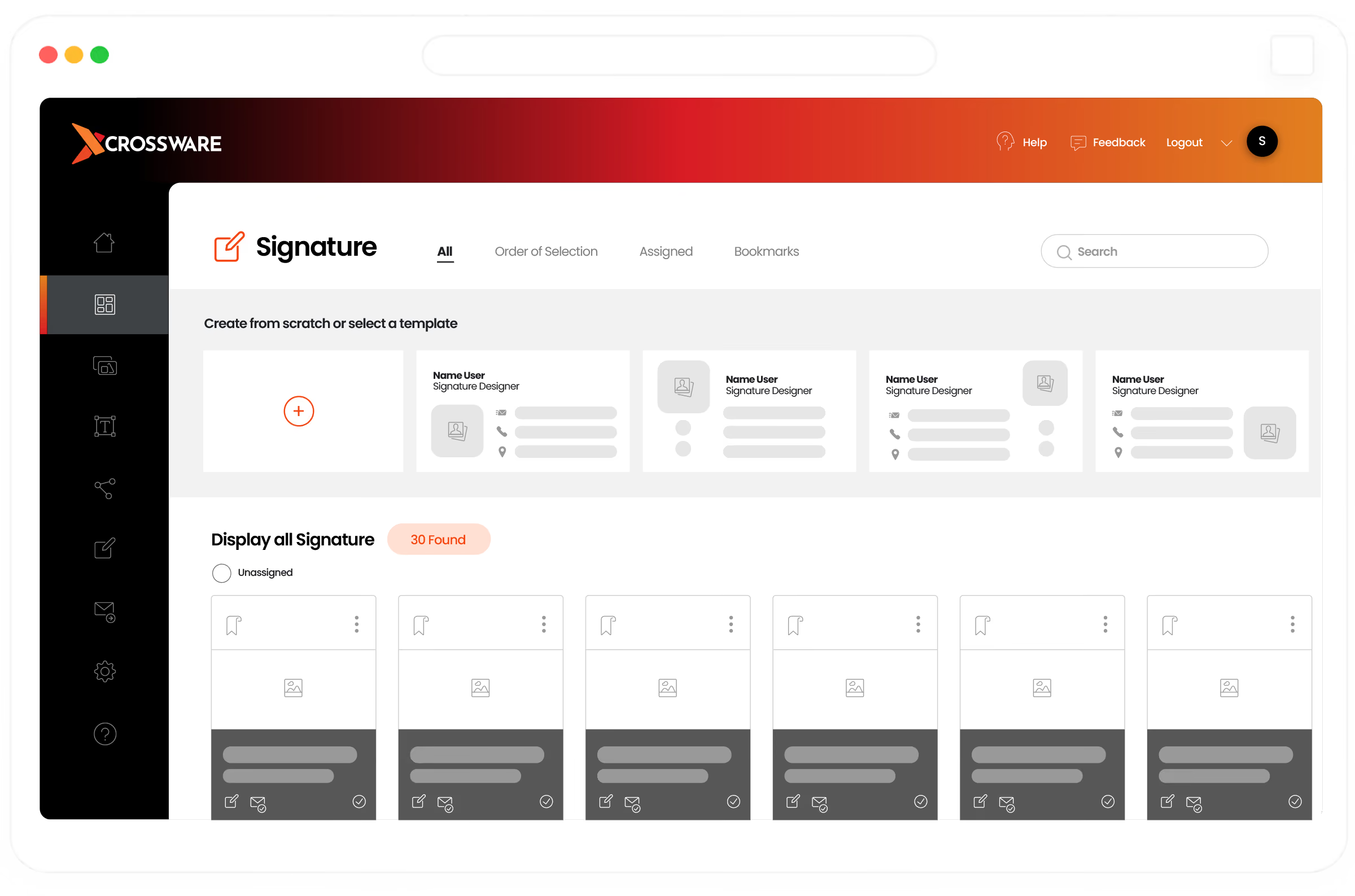
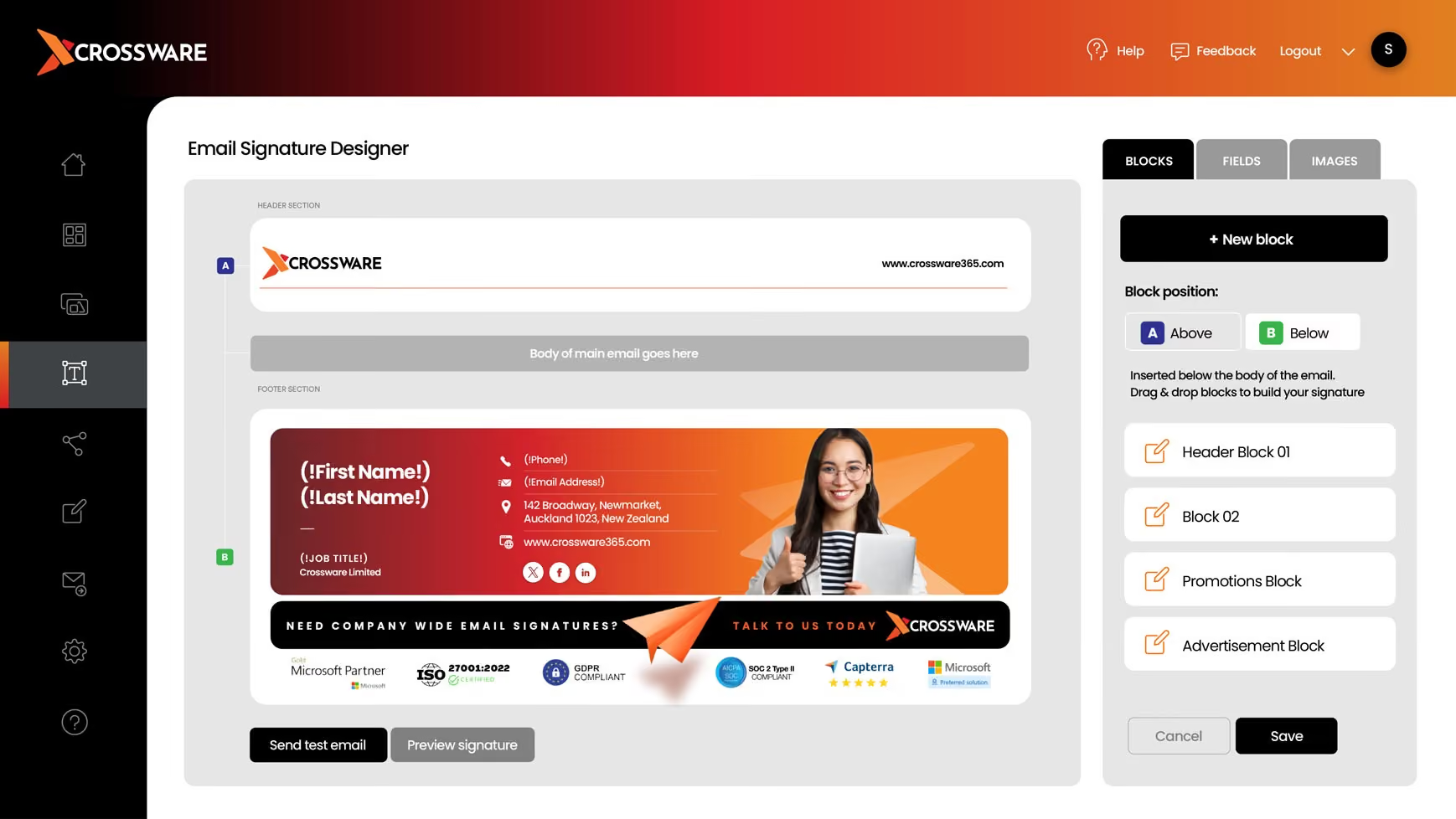
Design professional email signatures without involving tech and design teams

Do you feel that creating signatures is a time-consuming and complicated process, involving people across different teams? With Crossware’s powerful signature designer, you can easily set up the HTML signatures with no design or coding skills required.

Core Features

Crossware Email Signature Software

Check out all the features that make Crossware Email Signature Software the world-leading solution for email signature management across Microsoft 365, Google Workspace, Microsoft Exchange, HCL Domino and Dynamic Outlook Add-in.

Centrally Managed

Maintain consistency with tamper-proof central control of your email signatures. Implement changes in minutes.

Powerful Signature Designer

Our advanced rich text and HTML editors make creating your new Email Signatures an easy and fun experience.

Easy Set-up

Crossware Email Signature Solution has such an easy set-up that our software is usually deployed 30 minutes after downloading.

How Do Email Signatures Strengthen SalesCommunication Consistency?

Header image

Email signatures strengthen sales communication consistency by standardising how messages are presented across the entire team.

This ensures that every email aligns with company messaging, tone, and structure, creating a more cohesive and professional experience for prospects and clients.
With consistent communication, teams can:
  • Present a unified sales message across all reps
  • Reduce variation in communication style
  • Support brand trust during the sales process
  • Improve overall perception of the organisation

Email SignaturesFrom Any Device

Core Features

TechnicalSpecifications

Crossware Email Signature is easy to set up and use. Paired with the ability to change and update email signatures for the whole organisation in minutes, the time saved speaks for itself.

Cloud-based Email Signatures

Crossware is installed where you want it, on the cloud or on your on-premise server, giving you complete control over your organisation’s Email Signatures.

Pulls From Your Directory

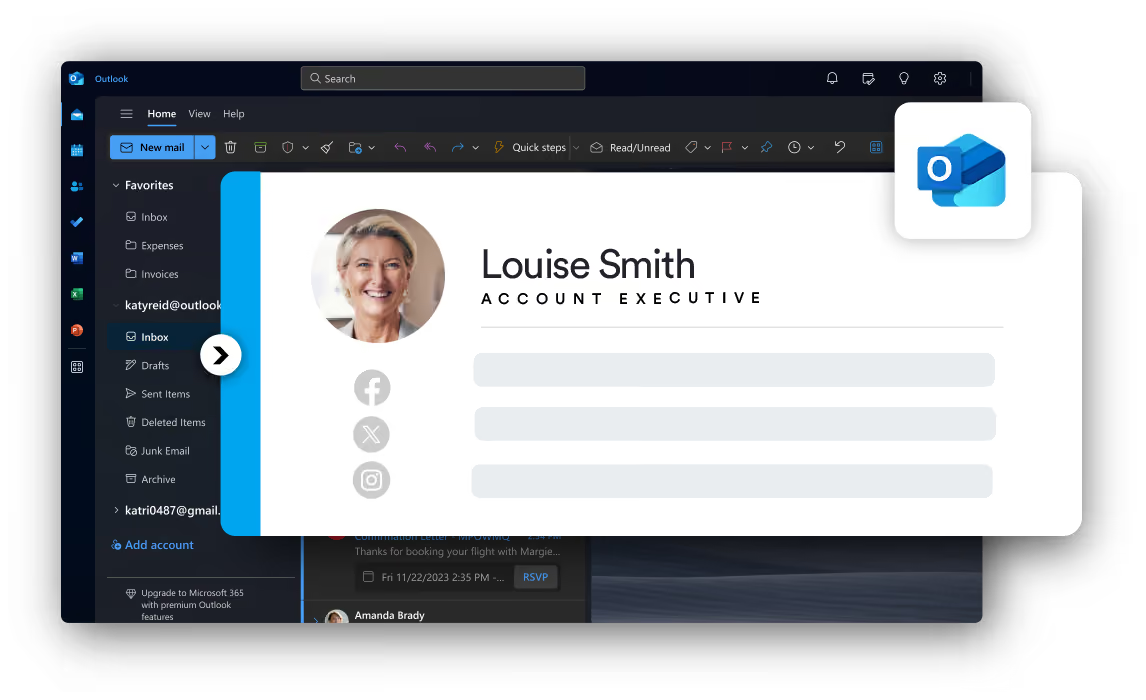
Crossware Email Signature integrates into your existing environment and pulls information from your active directory, ensuring current contact information is applied every time.

Email Signatures On All Devices

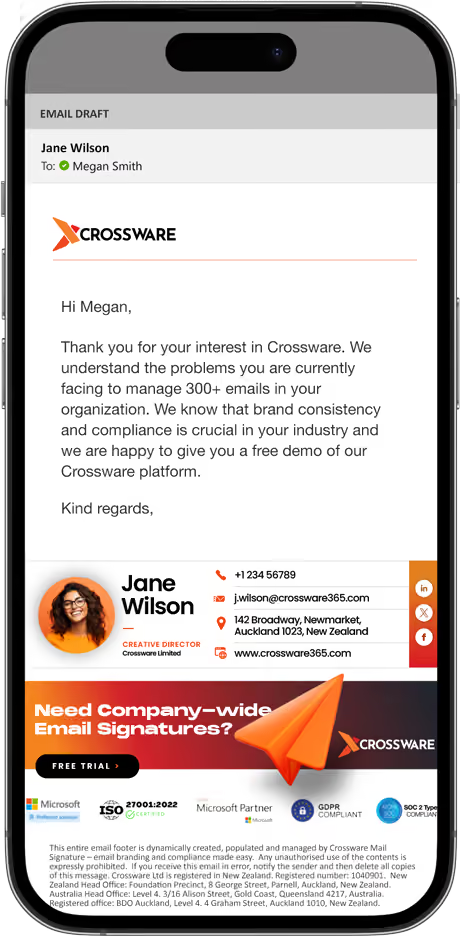
Crossware Email Signature can be automatically applied to all email documents after you hit send, so you don’t ever need to worry about individual device setups. Your beautiful Email Signatures will always be there.

Save Time With Our Email Signature Solution.

Crossware Email Signature Software is easy to set up and use. Paired with the ability to change and update email signatures for the whole organisation in minutes, the time saved speaks for itself.

For example, an organisation with 500 employees would save 250 hours and $10,000 USD*
An organisation with 5000 employees would save 2,505 hours and $100,200 USD*

Crossware works with

Crossware Mail Signature management is the world-leading solution for email signatures for Microsoft 365 (formerly known as Office 365), Google Workspace, Microsoft Exchange, and HCL Domino.

Trusted by customers worldwide

Frequently Asked Questions

How do sales teams use email signatures to support deal progression?
Sales teams rely on consistent communication during active conversations. With Crossware, every email becomes part of that process by carrying relevant messaging, helping reinforce offers, highlight next steps, and keep prospects engaged without interrupting the flow.
Can email signatures act as a unified sales channel across the organisation?
Yes. Instead of individual variations, a centrally managed setup ensures every team member sends emails with the same approved format. This creates a reliable, organisation-wide channel where messaging stays aligned across all sales interactions.
Can marketing teams collect customer feedback through email signatures?
Yes, feedback tools such as surveys or review links can be placed directly in email signatures. This gives recipients a simple way to respond, helping teams gather insights without sending separate follow-up emails.
How can sales teams manage updates across all email signatures quickly?
Changes can be made from a single platform and applied across the entire team within minutes. Whether it’s updating a campaign, adjusting links, or refining messaging, there’s no need to make manual edits to each user account.
Can messaging be adjusted for different audiences or campaigns?
Yes. Sales teams can assign different content to specific groups, allowing messaging to match the audience or campaign focus. This makes communication more relevant while still maintaining overall brand consistency.
Will email signatures stay consistent across different devices and platforms?
With Crossware, signatures are automatically applied to all outgoing emails, regardless of the device being used. Whether emails are sent from desktop, mobile, or web, the format and messaging remain consistent.
How can email signatures support meeting bookings and follow-ups?
Email signatures can include direct links for scheduling or accessing key resources. Using Crossware, these links are placed consistently across all emails, making it easier for prospects to take action without delays or additional emails.

Schedule a Demo

Fill in your details & our Sales Team will be in touch to organise your demo.
Thank You.
Thank You. We have received your demo request. Our team will be in contact with you soon.
Oops! Something went wrong while submitting the form, please try submitting again.
Email Envelope