




Free Trial

Most Trusted Email Signature Solution

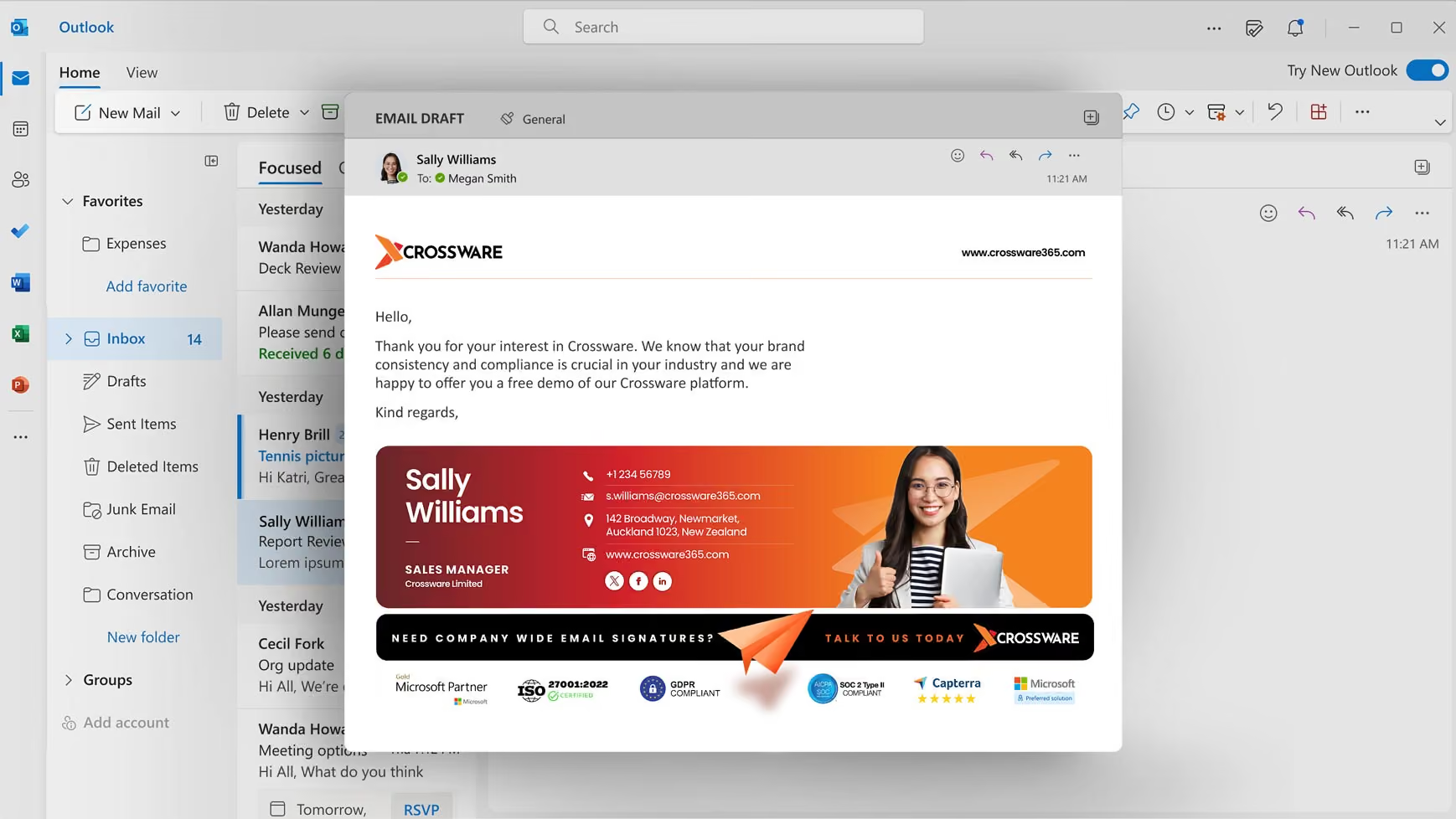
The perfect enterprise email signature management solution to create consistent, secure and compliant email signatures across all devices and teams.
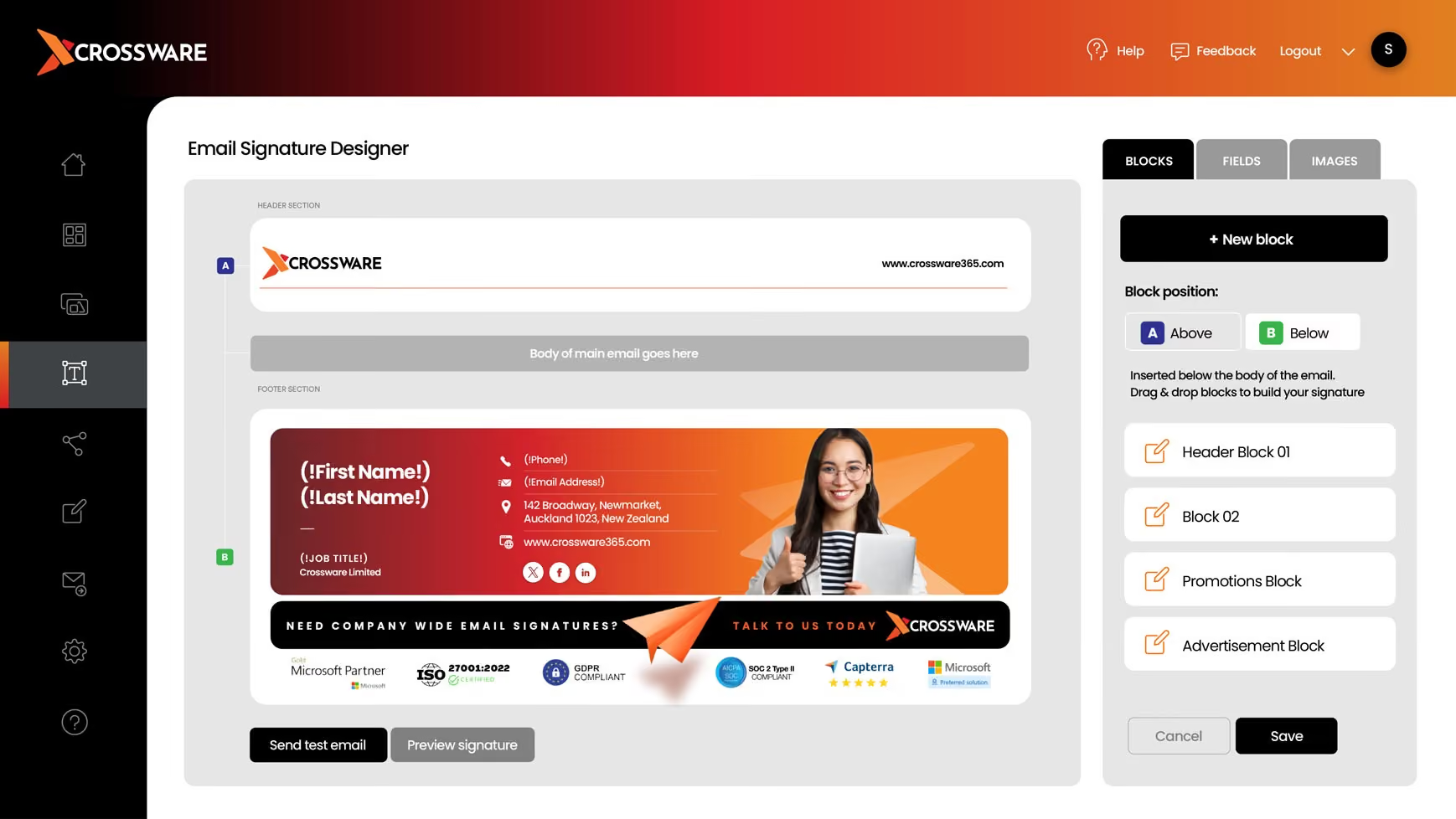
Email Signature Designer
Crossware Email Thank you page
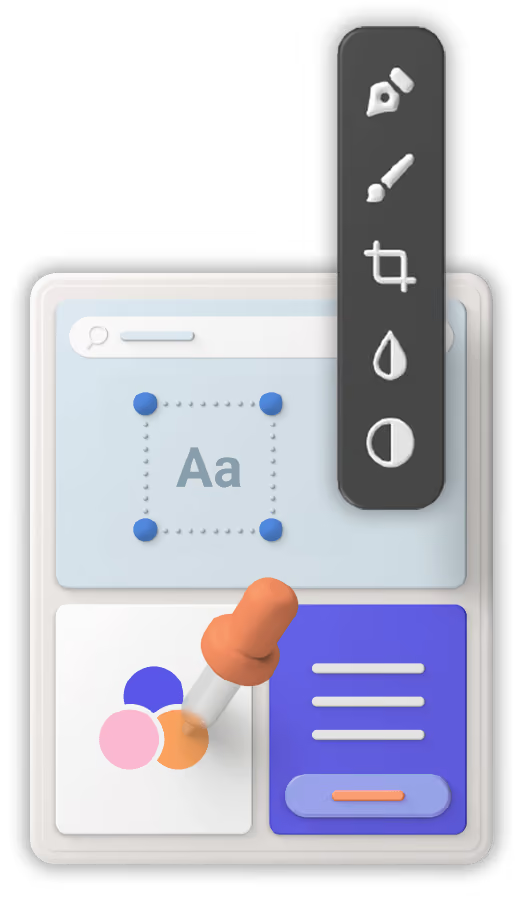
Pallete Floater
Gmail Logo
Outlook Envelope
Microsoft Icon Home
HCL Domino Icon Home
Exchange Icon Home
Trusted by customers worldwide

Why Crossware Email Signature Software?

Crossware Email Signature is the world-leading centrally managed solution for email signatures for Microsoft 365, Google Workspace, Microsoft Exchange, and HCL Domino.

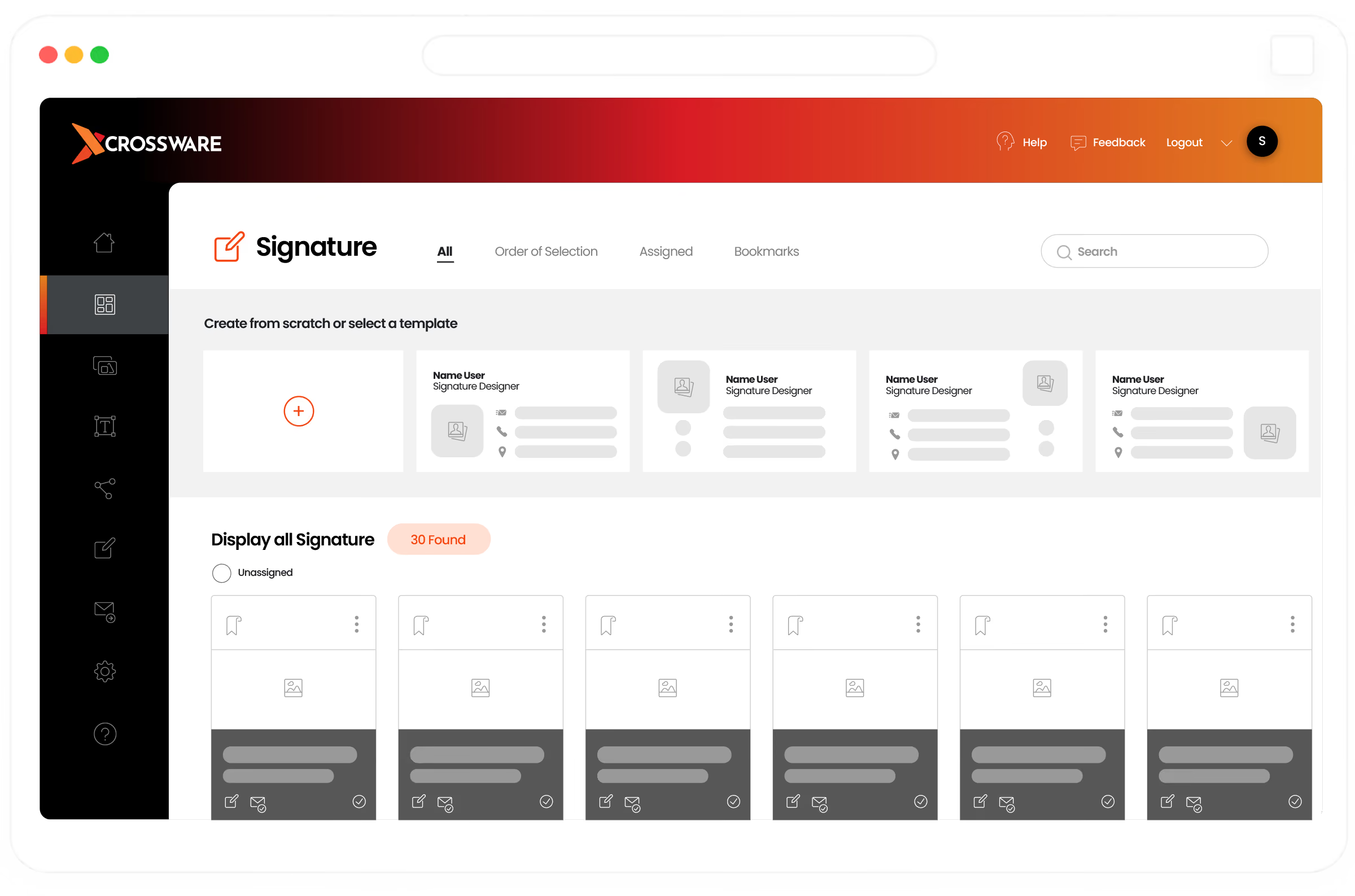
Powerful Centrally Managed Email Signature Designer

World’s first enterprise private cloud solution

Secure,  Consistent & Compliant signatures across all devices

Powerful designer - dynamic designs & content

Drag and drop signature blocks, conditional fields & images

Use templates or design your own

Setup & design signatures to work on all devices

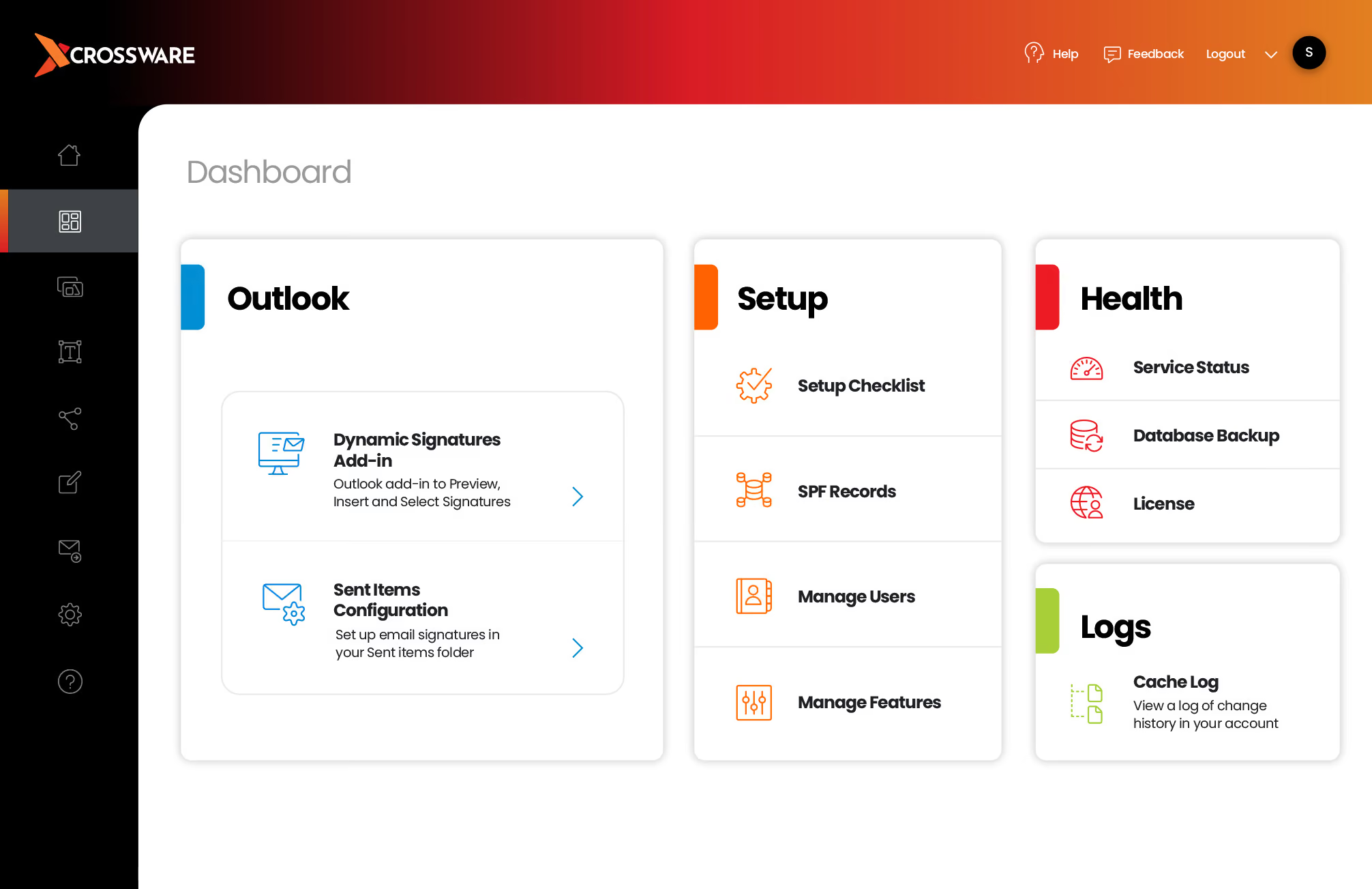
Email Signature Dashboard

Dynamic features for every condition

Signatures with conditional blocks

Rules and settings for Internal vs external emails & new vs reply emails, dates ranges, and more

Real-time preview

Onscreen user specific preview

Custom content

Use custom attributes for credentials, pronouns and more

Trusted by brands worldwide
Get started

Company-wide Email Signatures Made Easy

Create and manage email signatures for as many employees as you need and maintain consistent email signatures across all devices.
SaaS Webflow Template - Manhattan - Created by Wedoflow.com and Azwedo.com
Signature
Management

Simplifying Professional Email Signature Design

Creating a business email is a straight-forward experience even for those with little to no HTML knowledge.

Effortless Management

Crossware’s powerful email signature software makes designing your new email signatures easy and fun.
  • Turn ordinary email signatures into engaging tools
  • Upload custom images, logos and links
  • Create multiple templates to support every team

Company-wide Email Signatures Made Easy

Create and manage email signatures for as many employees as you need.
  • Centrally manage all signatures from a single dashboard
  • Maintain consistent email signatures across all devices
  • Enable each department to edit and control their signatures

Extend Your Email Marketing Campaigns

Take advantage of this untapped marketing channel by turning every email into a marketing opportunity.
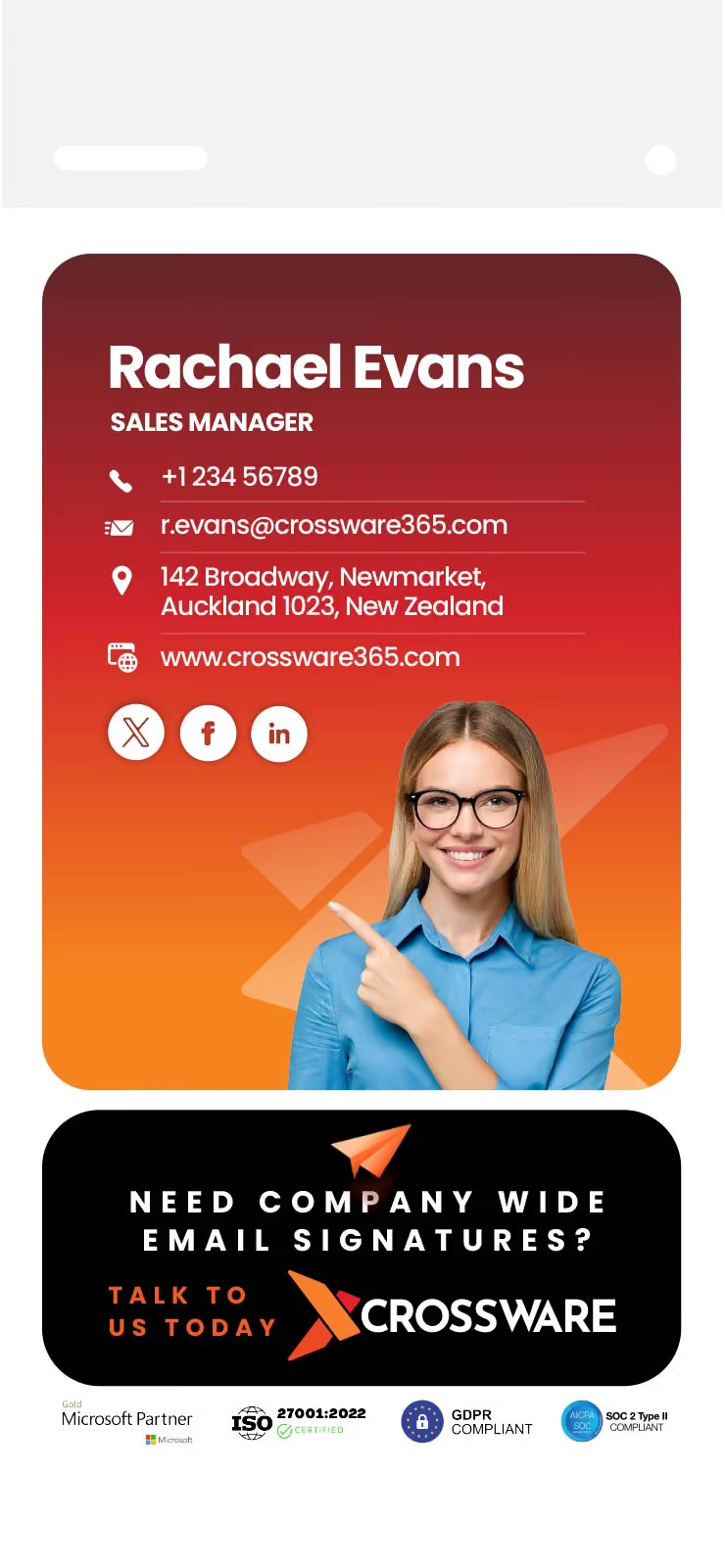
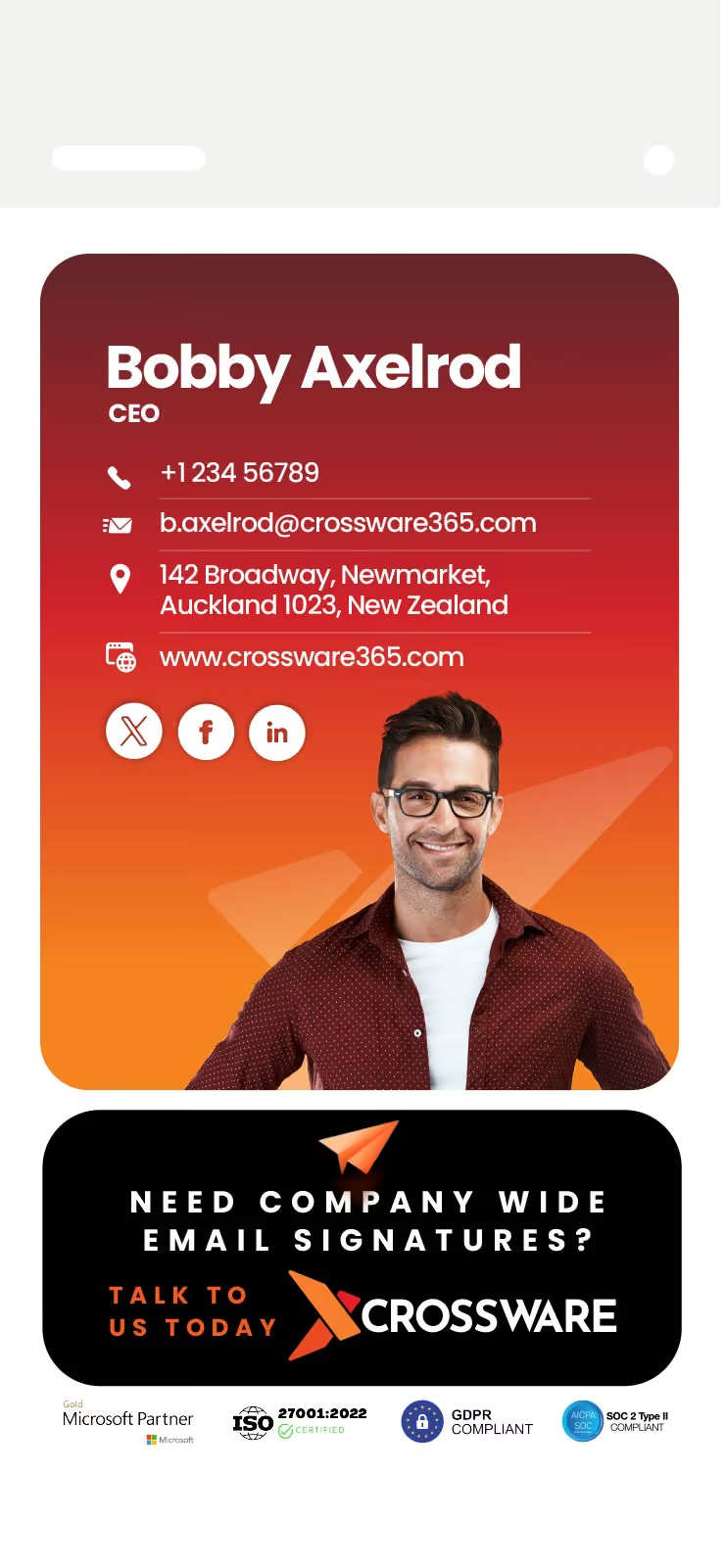
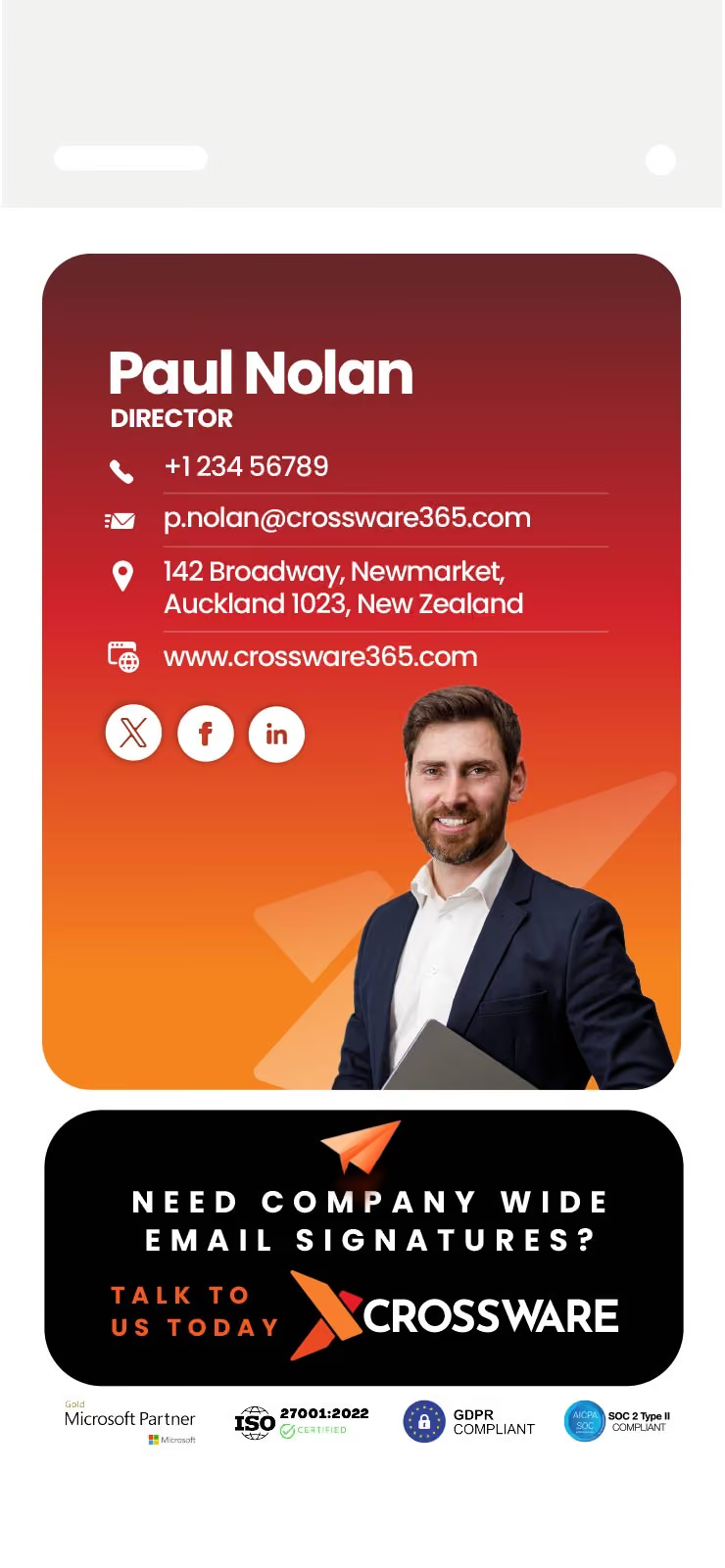
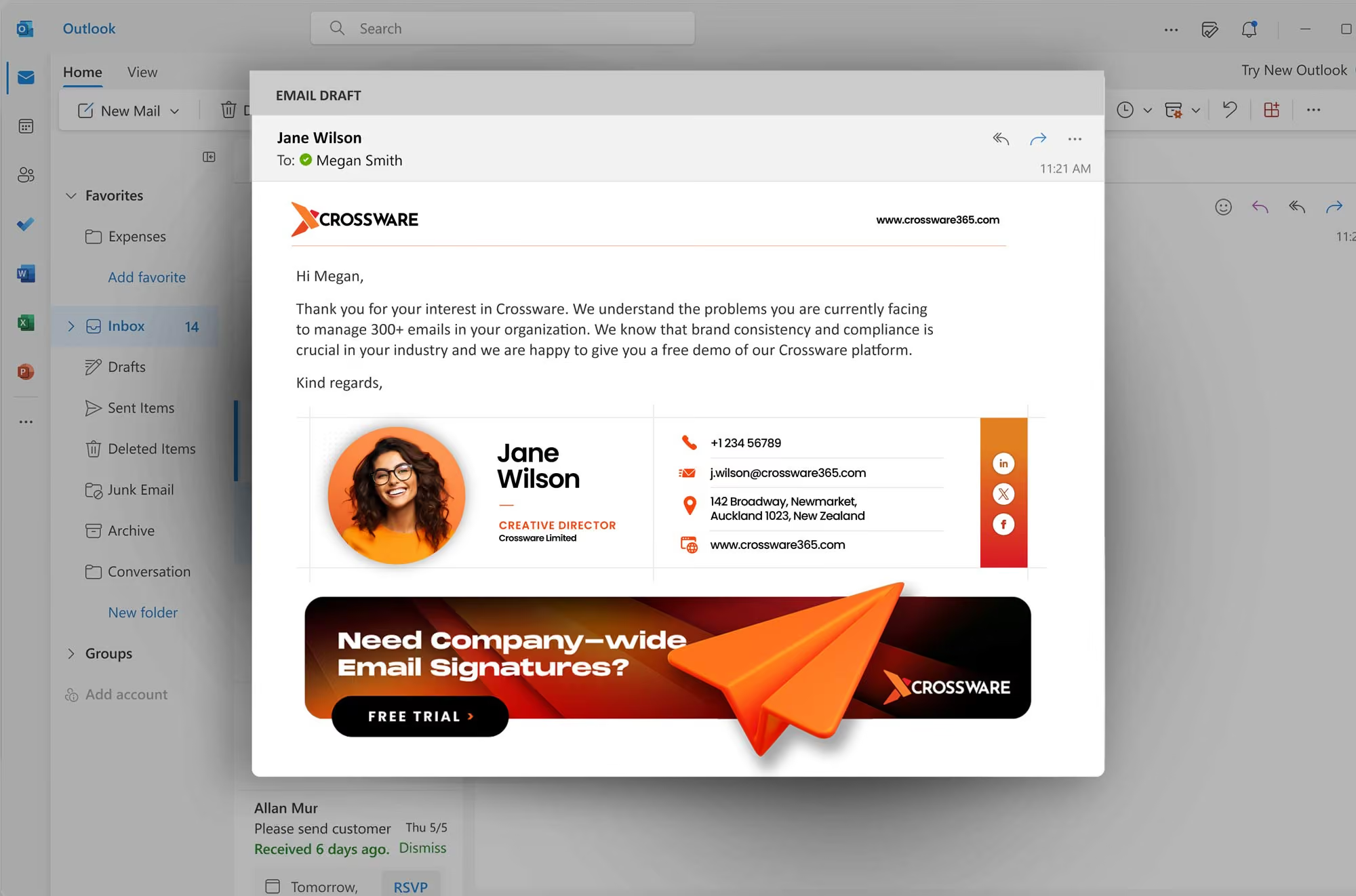
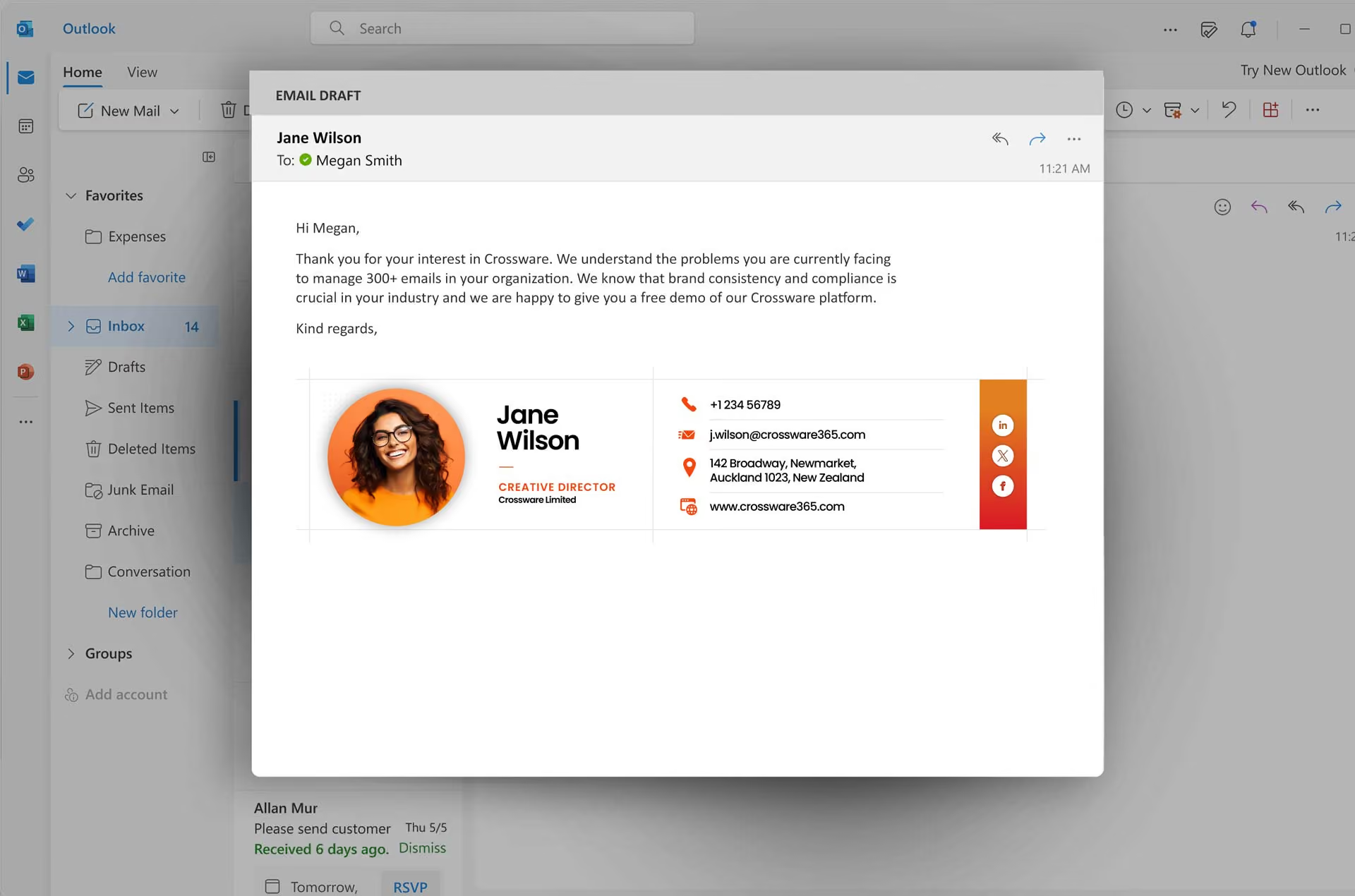
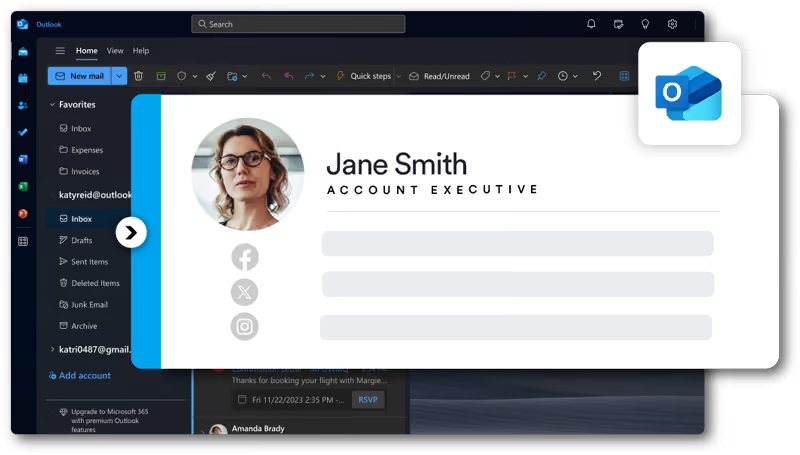
Crossware email signature

Crossware works with

Crossware Mail Signature management is the world-leading solution for email signatures for Microsoft 365 (formerly known as Office 365), Google Workspace, Microsoft Exchange, and HCL Domino.


Why Choose Crossware

At Crossware, we help organisations maintain consistent branding, meet compliance requirements, and simplify email signature management through centralised control.

Crossware reduces manual effort, eliminates inconsistencies, and enables businesses to use email signatures as an effective communication and marketing channel.

By removing manual processes, businesses can focus on communication while maintaining a professional and controlled email presence.
  • Ensures compliance with legal disclaimers
  • Reduces time spent on manual updates
  • Enables marketing banners in signatures
  • Scales across teams and locations
Header image
Upload UI elementUpload UI element

Built For All Teams

Making life easier for Marketing, IT, Legal and Sales Teams! Whether you are an organisation of 50 or 10,000, Crossware caters to the needs of every department in the organisation – saving time and increasing productivity!

Trusted By Customers Worldwide.

Create consistent and compliant email signatures across all devices and teams.
434+
Rated 4.5/5 Star reviews
Trusted by over 200,000 businesses Worldwide.

What Our CustomersSay

We’ve used this product both for IBM Notes/Domino as well as Outlook/Office 365. We love it! The Support Staff is second to none! I highly recommend this product to everyone.
Rav B
We are a business with lots of specialist individual teams, Crossware enables us to have custom headers, footers, campaigns, signatures and disclaimers for all those teams.
Peter C
Managing Director
Great Product!! Flexible with signatures. It’s flexible and reliable and does what we need it to. We’ve used it for applying multiple signatures to different groups.
Matthew S
Saas Webflow Template - Manhattan - Designed by Azwedo.com and Wedoflow.com

Client Case Studies

See why 200,000+ businesses choose Crossware to scale.

Start your Free Trial

How does Crossware work with Microsoft 365?

At Crossware, we integrate directly with Microsoft 365 and apply email signatures at the server level after emails are sent. This ensures every message includes the correct signature regardless of the device or email client used, maintaining consistency across the entire organisation.

Once configured, signatures are applied automatically without disrupting users. IT teams can create, edit, and deploy updates instantly across all accounts.

  • Server-side signature application
  • No reliance on user setup
  • Works across Outlook, mobile, and web
  • Real-time updates across all users
Header image
Upload UI elementUpload UI element

Frequently Asked Questions

We apply professional, branded email signatures to every message sent from your organisation. Our platform works across Microsoft 365, Google Workspace, Microsoft Exchange, and HCL Domino, ensuring every email reflects your brand without relying on individual users.
How do we manage email signatures across your organisation?
We provide a centralised platform where you control all signature templates in one place. Our system automatically pulls user details such as names, roles, and contact information, so every signature is accurate and up to date without manual input.
Why do businesses choose our email signature solution?
We help you turn everyday emails into consistent brand touchpoints. With our solution, you can include marketing banners, legal disclaimers, and key messaging in every email while maintaining full control across your organisation.
Can we customise signatures for different teams or campaigns?
Yes, we allow you to tailor signatures based on departments, recipients, or campaigns. You can apply different layouts or content depending on who is sending the email or who is receiving it, giving you flexibility without losing consistency.
How are we different from standard email signature tools?
We remove the need for individual setup by managing signatures centrally. Updates are applied instantly across all devices, including mobiles, so your branding and compliance remain consistent without relying on staff to make changes.
We offer flexible per-user licensing, so you only pay for the mailboxes that require signatures. Our team also provides ongoing email support, as well as assistance with setup, migrations, and design updates when needed.

Schedule a Demo

Fill in your details & our Sales Team will be in touch to organise your demo.
Thank You.
Thank You. We have received your demo request. Our team will be in contact with you soon.
Oops! Something went wrong while submitting the form, please try submitting again.
Email Envelope

ContactUs

For general enquiries or information on how Crossware can assist your organisation please contact us on these numbers:
Australia & NZ:
UK / Europe:
South Africa:
USA & Canada:
Send us a message!
Thank you.
Your message has been sent, we will be in touch shortly.
Oops! Something went wrong while submitting the form.
What is Crossware Email Signature?
SaaS Webflow Template - Manhattan - Created by Wedoflow.com and Azwedo.comSaaS Webflow Template - Manhattan - Created by Wedoflow.com and Azwedo.com
Crossware Email Signature is an email signature application that simplifies the creation and maintenance of company email signatures. Sleek, compliant, and personalized email signatures are automatically added to each email, no matter what device you’re sending from.

Crossware Email Signature works for Microsoft 365, Google Workspace, Microsoft Exchange, HCL Domino.
Why do we need to manage our email signatures?
SaaS Webflow Template - Manhattan - Created by Wedoflow.com and Azwedo.comSaaS Webflow Template - Manhattan - Created by Wedoflow.com and Azwedo.com
In our increasingly technologically advanced work lives, emails are often our main form of communication with partners, prospects, clients and colleagues.

Each email is not just an opportunity to send a message, it also offers a space for building your brand, advertising and engaging with your recipient. Email Signatures are the perfect space for this. They also offer a space for legal compliance, allowing you to ensure that everything your organization does is legally above board.

With Crossware Email Signature, we allow your organization to centrally design and apply beautiful, custom email signatures for your email recipients that can help you to build engagement and awareness.
Why use it over the standard client email signature feature?
SaaS Webflow Template - Manhattan - Created by Wedoflow.com and Azwedo.comSaaS Webflow Template - Manhattan - Created by Wedoflow.com and Azwedo.com
Using Crossware Email Signature instead of the generic, built-in email signature tool has several advantages to you and your organization. Save time and money by centralizing signatures across the company – branding, advertising, legal compliance and more changed all in one go.

Get signatures on your emails, no matter what device you send from.

Flexibly create and apply different email signatures for different senders, recipients, dates and promotional campaigns.

No more relying on individuals to make updates.
How is the software licensed?
SaaS Webflow Template - Manhattan - Created by Wedoflow.com and Azwedo.comSaaS Webflow Template - Manhattan - Created by Wedoflow.com and Azwedo.com
Subscription User License – available for Microsoft 365, Google Workspace, Microsoft Exchange, HCL Domino.
What support is offered?
SaaS Webflow Template - Manhattan - Created by Wedoflow.com and Azwedo.comSaaS Webflow Template - Manhattan - Created by Wedoflow.com and Azwedo.com
We offer 24-hour email support for all Crossware Email Signature customers.

We also offer additional paid services to help out with design changes, platform migration and more. Contact us to find out more about our services.
How much does Crossware Email Signature cost?
SaaS Webflow Template - Manhattan - Created by Wedoflow.com and Azwedo.comSaaS Webflow Template - Manhattan - Created by Wedoflow.com and Azwedo.com
Crossware Email Signature is competitively priced. It is licensed on a per user basis, where a user is defined as any mail file that requires a signature.