Email Signature Generator vs Enterprise Email Signature Management: What’s the Difference?

In the early stages of a business, every detail is handled with a "hands-on" approach. You pick your own fonts, you design your own business cards, and you likely use a simple tool to create your email signature. But as an organization scales from a small team of five to a burgeoning enterprise of 500 or 5,000, those "hands-on" methods become significant operational bottlenecks.
The debate often comes down to two distinct categories of technology: the Email Signature Generator and Enterprise Email Signature Management. While they may appear to serve the same purpose—putting a professional sign-off at the end of an email—the underlying architecture, security implications, and scalability of these two solutions are worlds apart.
What Is an Email Signature Generator?
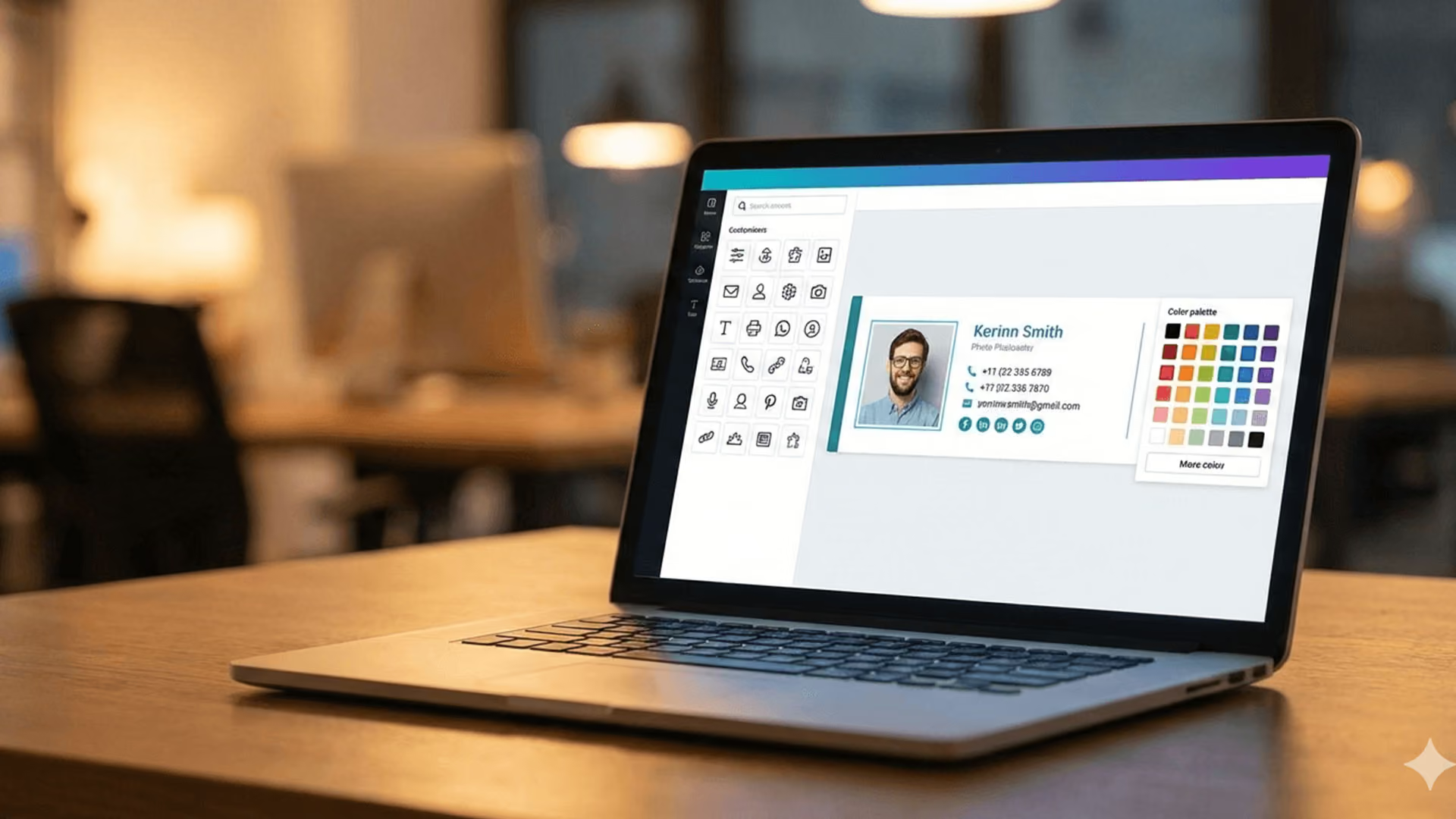
An email signature generator is essentially a design tool. It is the digital equivalent of a DIY website builder like Wix or Canva, but specifically for the narrow footer of an email. These tools are ubiquitous because they solve a very immediate, visual problem: "I want my email to look professional without knowing how to code HTML."
How Signature Generators Work
Most generators follow a standard workflow. You visit a website, choose a pre-designed template, and fill in your details (Name, Title, Social Media links). The tool then generates a block of HTML code or a rich-text visual.
The "implementation" phase is where the generator shows its nature. The user must manually copy the generated signature and paste it into the settings menu of their email client—be it Outlook, Gmail, or Apple Mail. Because the signature lives locally on the user's device, the generator has no further connection to that email once the paste is complete.
Who Email Signature Generators Are Designed For
Generators are the "Goldilocks" solution for freelancers, solopreneurs, and very small businesses. If you are the only employee, or if your team is small enough to fit around a single lunch table, the manual effort required to set up a generator is manageable.
In these environments, the lack of centralized control isn't a bug; it’s a feature of simplicity. However, as managing high volumes of email users becomes a priority, the manual "copy-paste" model begins to show its cracks.
Common Use Cases for Signature Generators
Despite their limitations at scale, generators remain popular for specific, low-complexity scenarios where the primary goal is visual aesthetics rather than infrastructure control.
Freelancers & Solopreneurs
For an individual, a generator is a perfect tool. It allows for a one-time setup that creates a polished brand image. Since there is only one person involved, there is no risk of "brand drift" or inconsistent formatting.
Small Teams Without IT Support
In a startup where the "IT guy" is actually the founder, a generator allows team members to create their own signatures. It avoids the need for complex server-side configurations or mail flow rules. It is a "good enough" solution for a company that is still finding its feet and doesn't yet have a rigid brand identity to protect.
Marketing-Led Signature Design
Often, the marketing department will use a generator like WiseStamp to create a "master template." They then send this template to the rest of the company with a set of instructions. This is a common bridge step between having no signature and having a managed one. However, this is also the exact point where fractured brand identities across departments begin to emerge, as users inevitably fail to follow the instructions perfectly.
Limitations of Email Signature Generators
While tools like WiseStamp offer beautiful templates, they are essentially "disconnected" from the company’s IT infrastructure. This disconnection creates three primary failures for growing organizations.
No Centralized Control
With a generator, the IT or Marketing admin has no "kill switch" or "update all" button. If the company moves offices and the address changes, the admin must ask every single employee to manually update their signature. In a 200-person company, it is statistically certain that at least 40 people will forget, leaving the company with outdated contact information circulating in the wild.
Reliance on End Users
Generators empower the end-user, which is a disaster for brand governance. A user might decide they like a different font, or they might add a low-quality "Save the Planet" GIF that makes the brand look unprofessional. When you rely on the end-user to implement the signature, you lose all authority over how your brand is presented.
Brand Inconsistency at Scale
This is where WiseStamp and similar generators quietly break down. They cannot account for the diversity of devices used in a modern office. A signature that looks great on a desktop might look broken on an iPhone or appear as a scrambled mess in a reply thread. Because there is no server-side enforcement, the "professionalism" of the signature is entirely dependent on the specific client software the sender happens to be using at that moment.
Data Analysis: The "Scaling Tax" of Signature Generators
To visualize why organizations eventually switch, we compared the administrative overhead of a generator versus an enterprise management platform over a 12-month period for a company growing from 50 to 250 employees.
Analysis: The "hidden tax" of using a generator at scale is the massive drain on human resources. While the software cost of a generator may be lower, the labor cost to maintain consistency is exponentially higher.
What Is Enterprise Email Signature Management?
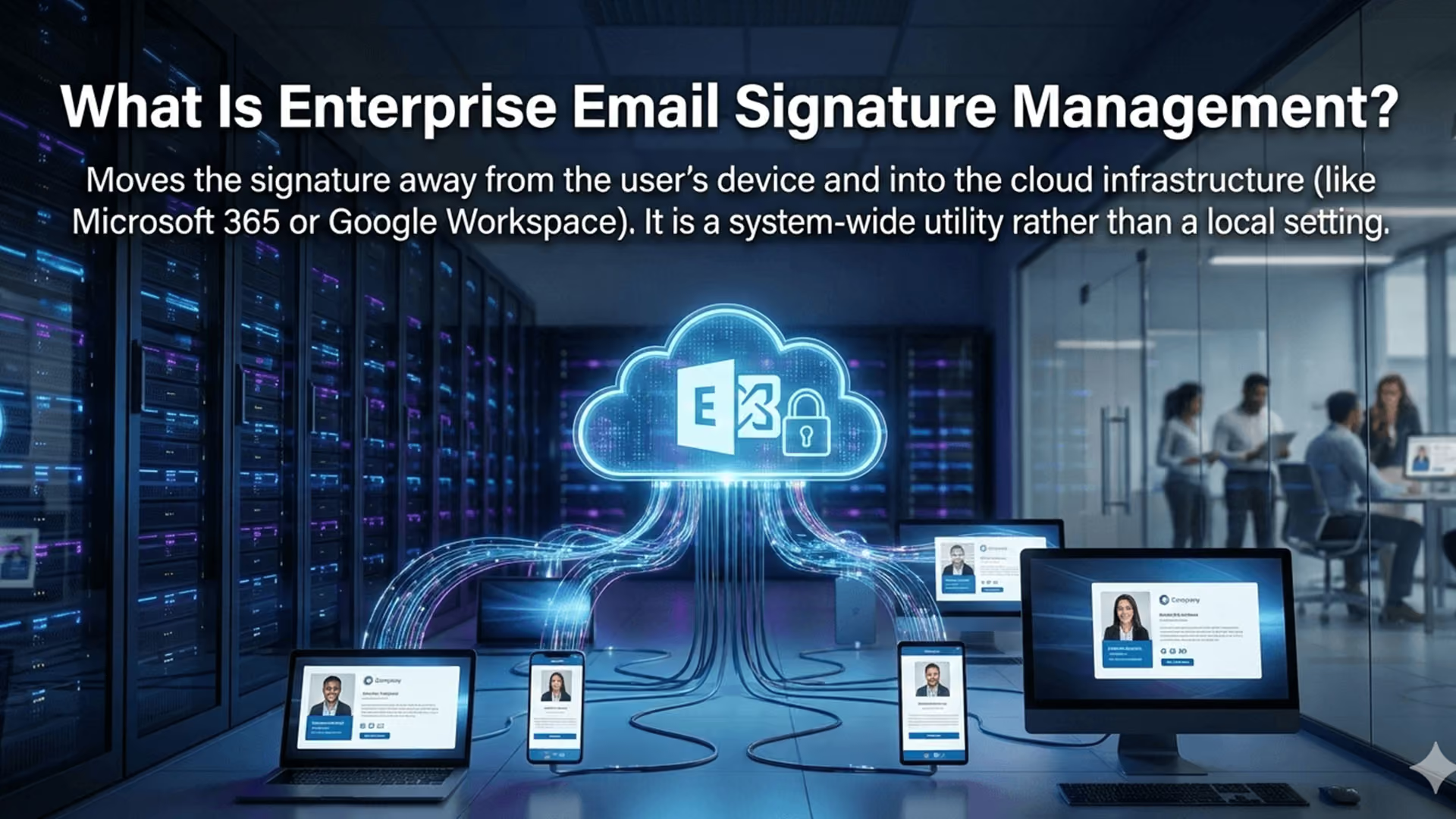
Enterprise Email Signature Management moves the signature away from the user’s device and into the cloud infrastructure (like Microsoft 365 or Google Workspace). It is a system-wide utility rather than a local setting.
Centralized Governance
In an enterprise platform, the signature is managed from a single dashboard. When a change is made to the template, it is instantly applied to every email sent by every employee in the organization. There is no "copying and pasting." The user doesn't even have to know the system exists; their emails simply arrive at the destination with the correct, branded signature attached.
Server-Side Enforcement
This is the "secret sauce" of enterprise management. Instead of the signature being added while the user is typing, the email is sent to a secure cloud service (the "engine") that identifies the sender, pulls their current details from the corporate directory, and appends the signature. This ensures that signatures remain legible across all viewing modes and devices, including mobile phones and tablets.
Role-Based Management
Enterprise platforms allow for granular control. The Legal team can lock down the disclaimer text, the Marketing team can manage the promotional banners, and the IT team can handle the directory integration. This collaborative environment ensures that ensuring compliance with global privacy laws is handled by the experts, not left to chance.
When Organizations Outgrow Signature Generators
The transition from a generator to an enterprise platform usually happens when the "pain of management" outweighs the "ease of design."
Growth in Headcount
Once a company surpasses 50 employees, the manual management of signatures becomes a full-time headache for the IT help desk. At this stage, the business needs automation. They need a system that automatically creates a signature for a new hire the moment they are added to the company directory.
Compliance & Legal Requirements
In sectors like finance, law, or healthcare, email disclaimers are not optional. A generator cannot guarantee that every email contains the legally required language. An enterprise platform, however, can enforce these rules globally. For instance, essential security protocols for business email can be integrated to ensure every communication meets internal and external governance standards.
Multi-Department Branding Needs
A salesperson needs a different signature than a software engineer. The salesperson needs a "Book a Demo" link, while the engineer needs a "GitHub" link. A generator requires you to create dozens of different manual templates. An enterprise platform uses logic to automatically swap out elements based on the sender's department in Azure AD or Google Directory.
Generator vs Enterprise Platform: Key Differences
To choose the right path, IT-aware marketers must look at three pillars: Control, Security, and Scalability.
Control & Governance
Generators offer "Visual Control" but zero "Operational Control." You can control what the template looks like in the editor, but you cannot control what it looks like when it leaves an employee’s smartphone. Enterprise platforms offer "Total Governance," ensuring that the brand identity is protected regardless of user behavior.
IT & Security
Generators are often a "Shadow IT" risk. Marketing teams may sign up for these services without IT oversight, leading to data being stored in unverified third-party databases. Enterprise platforms are built to integrate with Microsoft 365 and Google Workspace, maintaining the organization's existing security perimeter.
Scalability & Automation
The future of professional communication is data-driven. Enterprise platforms are now utilizing artificial intelligence for signature content, helping to analyze engagement and optimize layout automatically—something a static generator simply cannot do.
Choosing the Right Approach for Your Organization
How do you decide which one is right for you? It comes down to a simple assessment of your current state and your future goals.
When a Generator Is Enough
Your team is under 20 people.
- Everyone uses the same device and email client (e.g., all on Mac using Apple Mail).
- Your brand identity is flexible and doesn't require strict enforcement.
- You don't need to run time-sensitive marketing campaigns via email.
When an Enterprise Platform Is Required
- You have 50+ employees across multiple locations.
- You have a "Bring Your Own Device" (BYOD) policy where people use various phones and tablets.
- You are in a regulated industry (Legal, Healthcare, Finance).
- You want to unlock revenue generation through email footers by tracking clicks and conversions on promotional banners.
Suggestions for Moving Forward
1. Perform a "Signature Audit": Send an email to one person in every department of your company. Ask them to reply. Look at the signatures in those replies. Are the logos the same size? Are the fonts consistent? Is the information up to date? If you see more than three variations, you have outgrown a generator.
2. Evaluate Your Directory Health: If you decide to move to an enterprise platform, the quality of your signatures will depend on the quality of your Active Directory or Google Directory. Take the time to clean up job titles and phone numbers now, so the automation works flawlessly later.
Why Enterprises Choose Crossware
Crossware is not just a "better generator"; it is the natural evolution of professional email communication. While generators focus on the "what" (the design), Crossware focuses on the "how" (the delivery and management).
We understand that for a growing business, the email signature is a high-volume, high-impact asset. By choosing Crossware, organizations move from a "set it and hope" model to a "set it and forget" model. We provide the infrastructure that ensures your brand is perfect, your legal team is happy, and your IT department isn't stuck resetting signatures for the rest of their careers.
As your company grows, don't let your email signatures become a symbol of technical debt. Move beyond the limitations of basic generators and step into the world of centralized, automated excellence.
Final Thought
Email signatures may appear simple, but at scale they reveal how seriously an organization treats brand control, compliance, and operational discipline.
If your current solution depends on users remembering instructions, you are already carrying hidden risk.
The real difference between an email signature generator and enterprise email signature management is not design—it is control, accountability, and readiness for growth.
Ready to move from a generator to a true enterprise solution? Start your free trial with Crossware today.